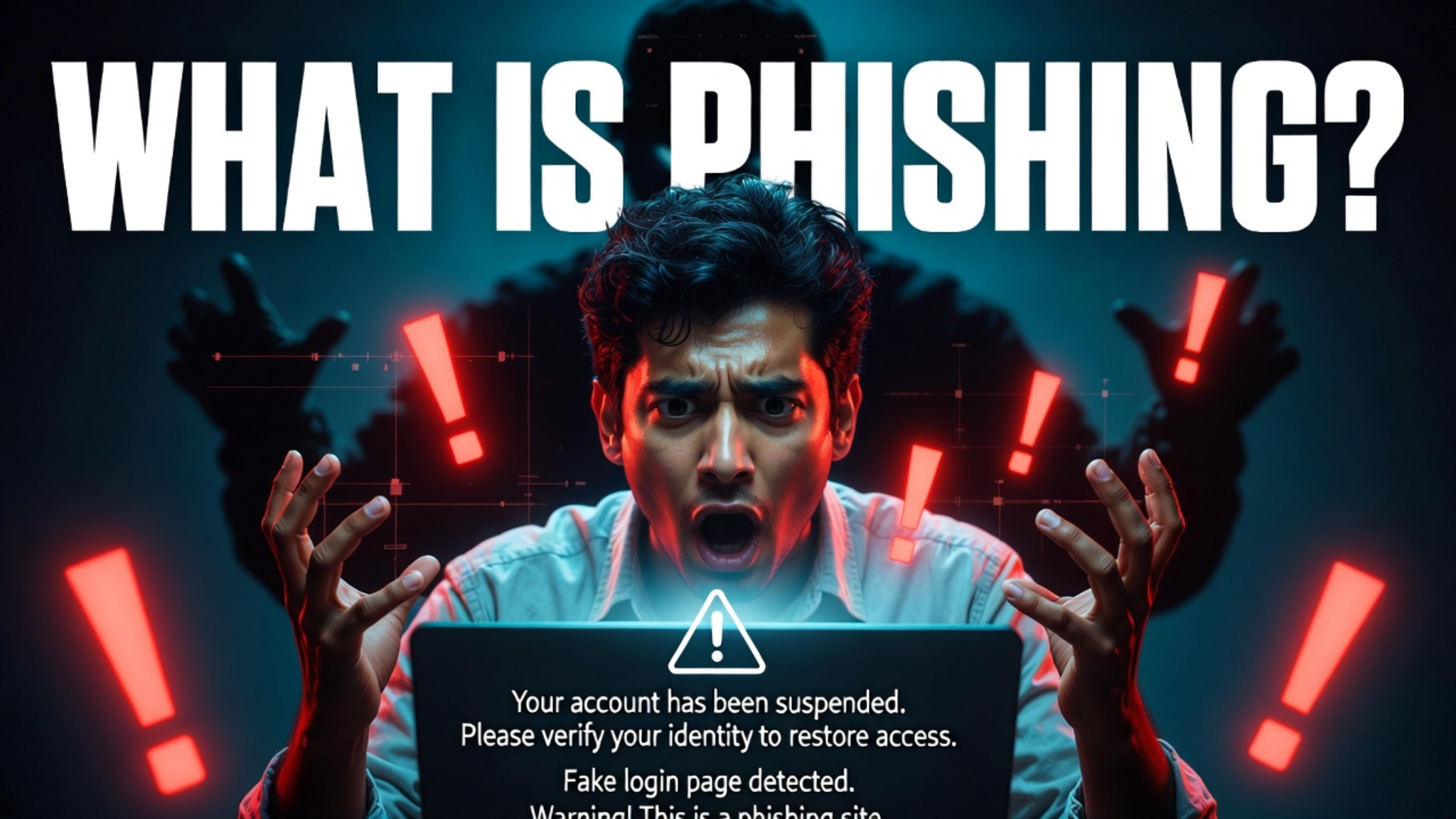
In today’s digital world, understanding what is phishing is essential for staying safe online. Phishing is one of the most common cyber threats where attackers pretend to be trusted organizations—such as banks, delivery services, or popular websites—to trick people into sharing sensitive information like passwords, OTPs, or financial details. These scams often arrive through emails, text messages, or fake websites that look completely legitimate. A single careless click can lead to data theft, financial loss, or identity fraud. In this guide, you will learn what is phishing, its major types, real-life examples, warning signs, and practical ways to stay safe in 2026.
What is Phishing? (Definition)
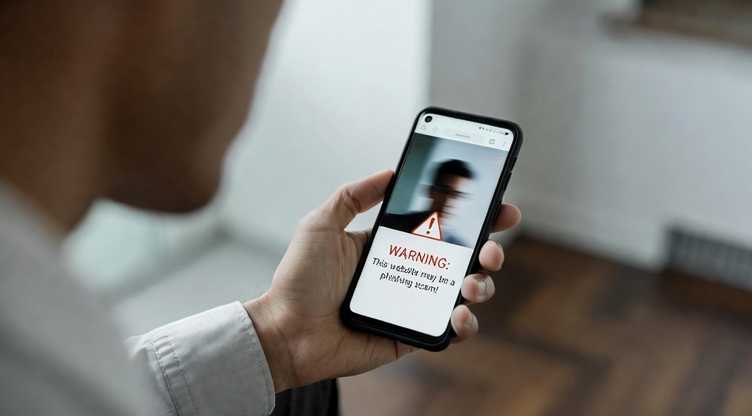
If you are searching what is phishing, the simple meaning is this:
Phishing is a cyberattack where attackers pretend to be a trusted company, bank, or person to steal your personal information such as passwords, OTP, bank details, or login credentials.
The term comes from “fishing” — attackers throw fake messages like bait and wait for victims to click links or share data. Once you enter information on a fake website, attackers capture it instantly.
In today’s digital world, phishing is one of the most common online threats affecting millions of users every day.
How Phishing Attacks Work
Understanding how phishing works helps you avoid it easily.
1️⃣ Fake Identity Creation
Attacker pretends to be a bank, delivery company, or online service.
2️⃣ Sending the Trap
You receive email, SMS, or message with urgent warning like:
“Your account will be blocked — verify now.”
3️⃣ Fake Website Redirect
Clicking the link opens a duplicate website that looks real.
4️⃣ Data Theft
Once you enter login or payment details, attackers steal them.
Types of Phishing Attacks
When people search what is phishing, they should also know its types.
Email Phishing
Fake emails pretending to be from banks or companies.
Spear Phishing
Targeted attack using personal information to appear real.
Smishing (SMS Phishing)
Fraud messages sent through text messages.
Vishing (Voice Phishing)
Fraud calls pretending to be customer support.
Clone Phishing
Real email copied and replaced with malicious link.
Business Email Compromise
Attackers impersonate company executives to steal money.
Real Examples of Phishing
Example 1 — Bank Alert Scam
You receive email saying your bank account is locked and you must verify immediately. Link opens fake login page.
Example 2 — Delivery Message Scam
SMS says your package failed delivery and asks for payment for redelivery.
Example 3 — Social Media Login Scam
Message asks you to reset password due to suspicious activity.
All these are classic phishing attempts.
Warning Signs of Phishing Attack
If you want to understand what is phishing practically, watch for these signs:
✔ Unknown sender email address
✔ Urgent or threatening message
✔ Suspicious links
✔ Grammar mistakes
✔ Requests for password or OTP
✔ Unexpected attachments
✔ Generic greeting like “Dear User”
If you see even one sign → be careful.
How to Protect Yourself from Phishing
Protection is simple if you follow smart habits.
Use Two-Factor Authentication
Even if password is stolen, account stays safe.
Never Click Unknown Links
Always open official website manually.
Check Website URL Carefully
Fake sites often have spelling mistakes.
Use Strong Passwords
Avoid same password for multiple accounts.
Keep Software Updated
Security updates block new threats.
Verify Before Trusting
Call company directly if unsure.
Golden rule:
👉 If a message creates panic, it is likely phishing.
FAQ — What is Phishing
Is phishing dangerous?
Yes, it can steal money, identity, and personal data.
Can phishing happen on mobile?
Yes, SMS and calls are very common today.
What should I do if I clicked a phishing link?
Change passwords immediately and scan your device.
Is phishing illegal?
Yes, it is a cybercrime in most countries.
Conclusion
Now you clearly understand what is phishing, how phishing attacks work, and how to protect yourself. Awareness is the strongest cybersecurity tool. Always verify before clicking, never share sensitive information online, and stay alert.
Online safety starts with knowledge — and now you have it.